PATH-P6-1 – Construction P6 Planner Bundle
PATH-P6-1 – Construction P6 Planner Bundle
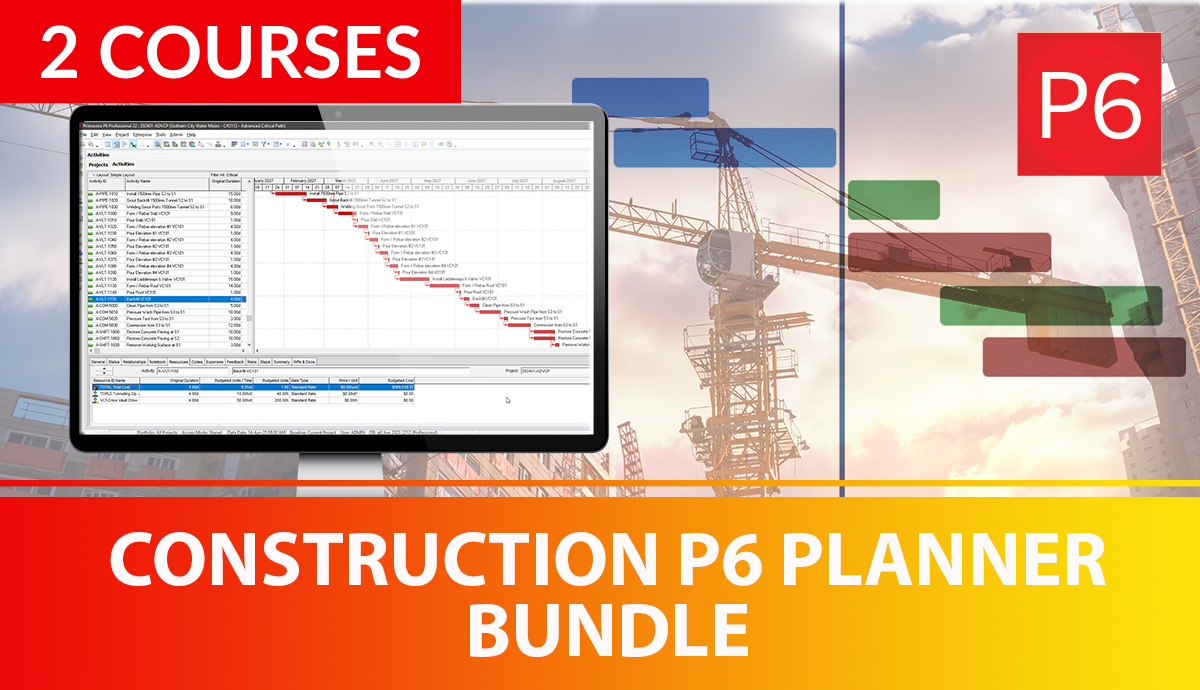
Combine our 2 most popular courses into 1 bundle and learn to schedule with Primavera P6 from the ground up. Perfect for people who want the construction planning and scheduling background before they jump into hands-on P6 learning.
Course overview

If you’re building schedules for construction projects and want to do it “the right way” in Primavera P6, this bundle gives you the full pathway – from construction scheduling fundamentals to confidently building schedules in P6. You’ll learn the logic behind CPM scheduling and how to apply it inside the tool, so your schedules hold up in the real world (not just in a classroom example).
This is ideal for planners, schedulers, and project controls pros who want a practical, construction-first approach. By the end, you’ll be able to structure a schedule, apply sound sequencing, and use P6 in a way that supports credible planning, communication, and control.
Written reviews
Most students rate the course with stars only. Here are a few who also left written feedback.

This was a great course, thank you!

Excellent course from start to finish. Each workshop explains everything in depth, and having the community chat for backup helps a lot too. Highly recommend this course *****

The videos themselves were very, very thorough and well presented. The workshops seemed to really stretch me and make sure I was paying attention. Excellent training overall. My one star deduction is for the UX of the site during the training. Having to mark complete and go to the next video manually adds a lot of friction to the process when you're trying to watch several two minute videos in a row. An autocomplete and autoplay feature would be much better. For me, when I had time to sit down and do the training it was for a few hours at a time - so I would be watching several lessons back to back. Working from home I would just stream it through my TV and binge-watch if an autoplay option was integrated, but clicking through every few minutes made the whole process annoying. If trying to keep people from hitting play and going to take a nap while the videos stream, have a check-in pop-up every 15-20 minutes (i.e. the "are you still watching" popup on Netflix).

Excellent learning.. Thanks to Michel for covering each and every small points in detail.

The pace of delivery was perfect for me. The videos were delivered in way that never left me bewildered.

Great repository of knowledge and video tutorials.

Overall a great course that covers the features and processes well with good workshops to practice. There were some workshops where the instructions didn't line up with the downloads provided. For example I noticed file and project names were different than in the instructions. I was able to figure it out, but it might be confusing for others. I also was hoping for more critical path analysis.

Very well explained topics and the exercises were easy to follow. I've been using P6 Primavera for my entire 12 year career but only had on the job training. Plan Academy's training has taught me what P6 is capable of and I can't wait to start using it to it's full potential.

This course was excellent, The only issue I ran into was my company had to do the uploads, which hindered me in learning that portion. Overall it was a great experience.

Very helpful course! Enjoyed every bit of it!

This was very informative and helpful for someone relatively new to the construction management field.

It is really an amazing course